How to export a GPX file from Strava, Garmin Connect, Komoot, Wikiloc and 健行筆記
Where the GPX export is in Strava, Garmin Connect, Komoot, Wikiloc and 健行筆記 (Hiking Biji), on the web and on your phone, and how to turn the file into a 3D printed trail map.
In short
On Strava, open the activity on strava.com and choose Export GPX from the … menu. On Garmin Connect, open the activity and choose Export to GPX from the gear menu. On Komoot, Wikiloc and 健行筆記, use the download button on the tour or trail page. Then upload the GPX file to TrailMark3D to make a 3D printable map of the route.
TrailMark3D builds a 3D printable terrain model from a GPX file, the open format every GPS watch and sports app can export. The export is a little hidden in most apps, and usually only on the website, not in the phone app. This guide shows where it is in Strava, Garmin Connect, Komoot, Wikiloc and 健行筆記 (Hiking Biji), then what to do with the file.
Try it with the sample trail first
Export a GPX from Strava
Strava exports GPX from its website, not from the phone app.
- Your activity: open it on strava.com, click the … (more) menu next to the activity, and choose Export GPX. The file downloads straight away.
- A route you planned: open it from Routes on strava.com and use Export GPX on the route page.
- On a phone: open strava.com in the browser (switch to the desktop site if the page sends you to the app), then follow the same steps.
Export a GPX from Garmin Connect
Sign in at connect.garmin.com, open Activities, then All Activities, and open the hike or ride you want. Click the gear icon at the top right of the activity page and choose Export to GPX. On a phone, do this in the browser rather than in the Garmin Connect app.
Export a GPX from Komoot
On komoot.com, open your profile, choose a planned or completed tour, and use the tour's GPX download (Export to GPS device, or Download GPX in the tour's … menu). On Android, the tour's … menu in the app can export the GPX file too.
Download a GPX from Wikiloc
Open the trail page on wikiloc.com, click Download, and pick GPX as the format. Wikiloc asks you to sign in with a free account first. Sending a trail straight to a watch is a Wikiloc Premium feature, but the GPX file itself is a regular download.
Download a GPX from 健行筆記 (Hiking Biji)
健行筆記 (hiking.biji.co) is Taiwan's largest hiking community and keeps a GPX track database for its trails. Open a trail or a hiking record, find its GPX track in the GPX 軌跡 list, and click 下載 (Download) next to it. Sign in with your 健行筆記 account if the site asks.
Upload the GPX to TrailMark3D
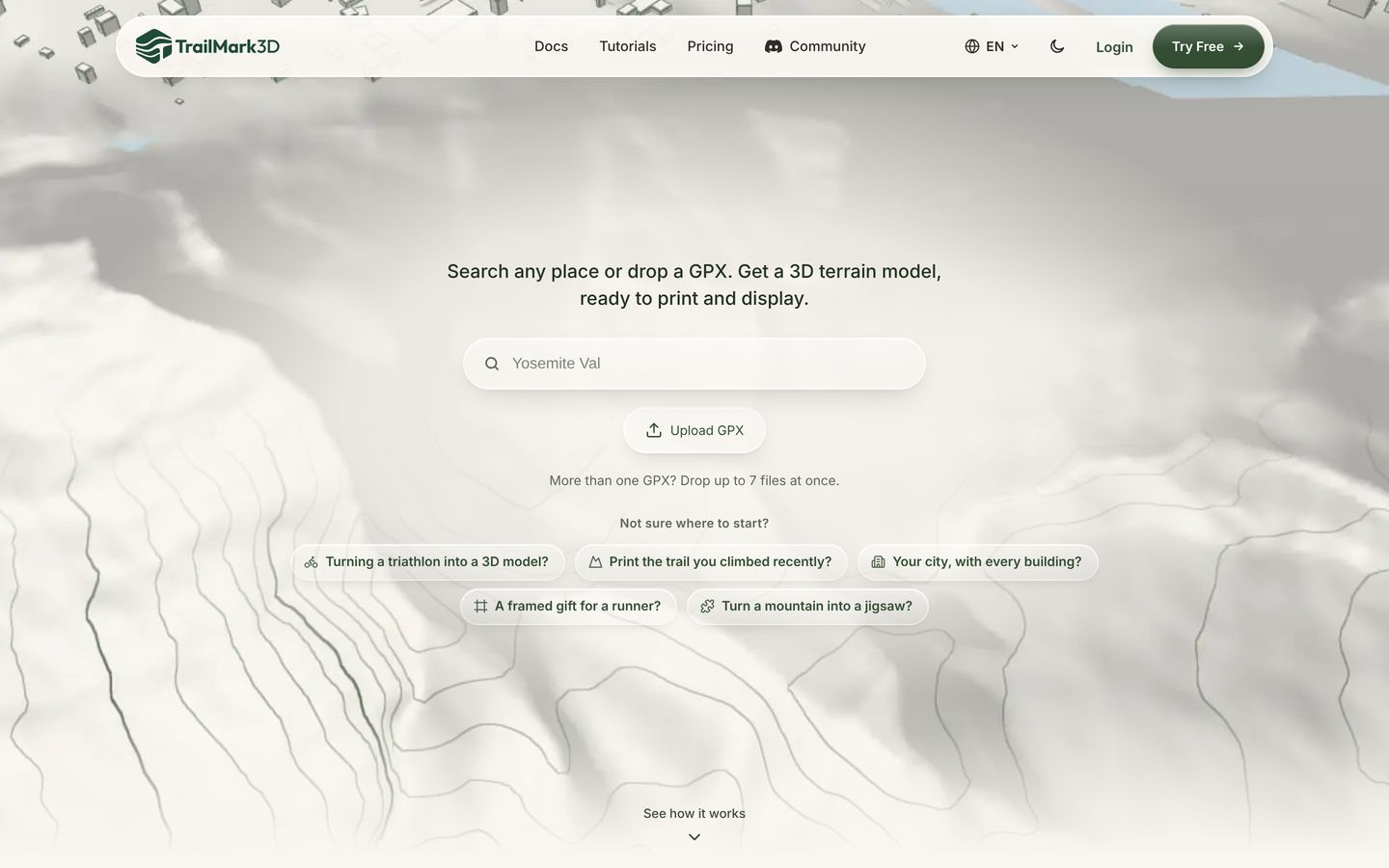
Open the TrailMark3D home page, click Upload GPX and pick the file, or drag it onto the page. With Pro, up to 7 files can go in at once for a multi-day trip (Pro Plus allows trips of up to 60 days). The workspace opens with your route on the map, inside the tile that becomes the 3D model.

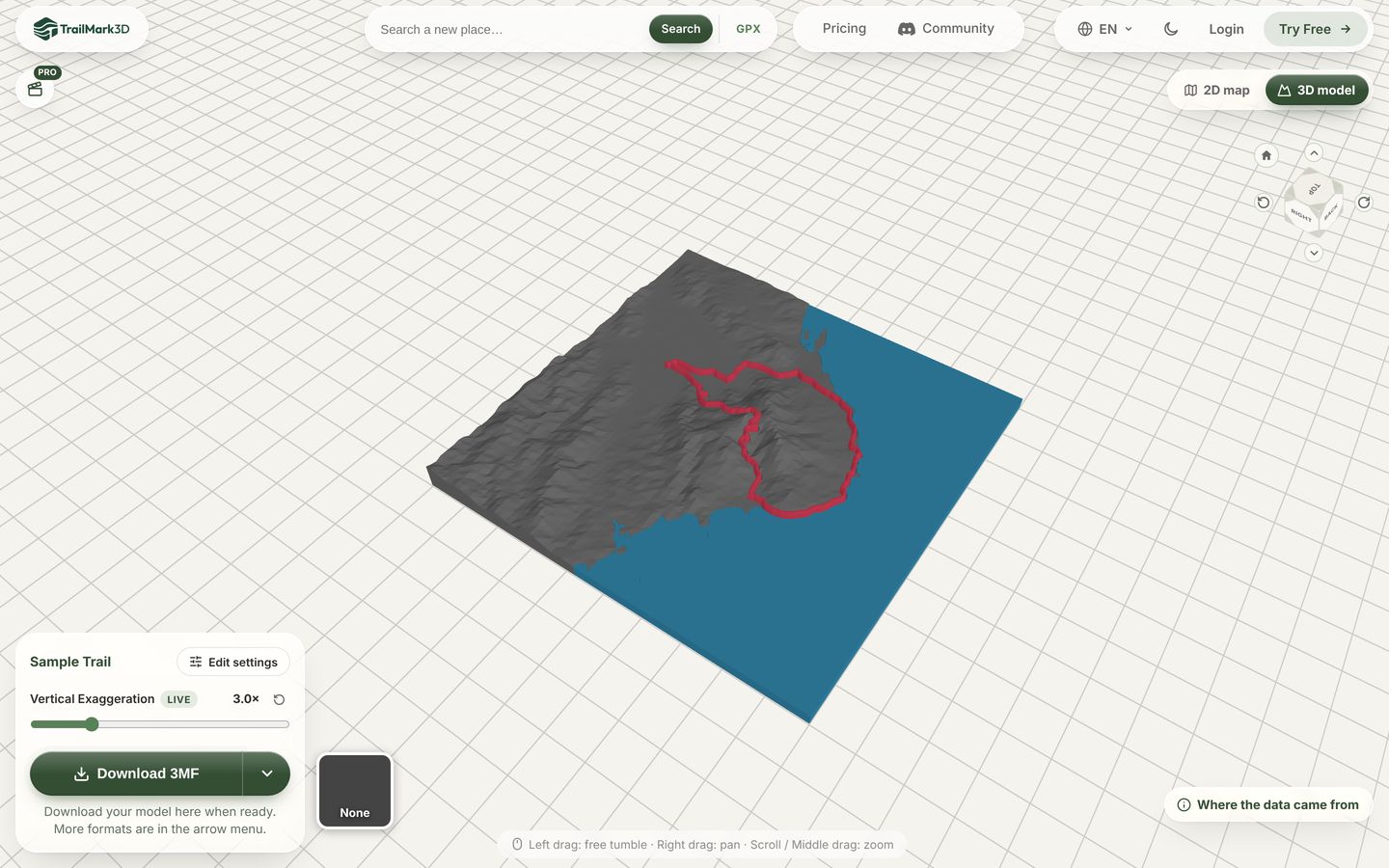
Generate the 3D model of your route
Move or resize the tile if you want more of the surroundings, pick a tile shape, and click Generate 3D Model. A minute later you have a 3D terrain model with your route on it, ready to download as 3MF or STL. The full walkthrough is in GPX to 3D print.
Frequently asked questions
Is TrailMark3D free?
Yes. Uploading a GPX, generating up to 5 models a day and downloading STL or 3MF files are free, with a free account for the download. Pro ($10 a month) adds unlimited models, high terrain detail and multi-day trips, and Pro Plus ($15 a month) adds longer trips and extra tiles. See pricing.
Can I export a GPX from the Strava app on my phone?
Not from the app itself. Open strava.com in your phone's browser, switch to the desktop site if needed, and use Export GPX from the activity's … menu. The file lands in your downloads, and you can upload it to TrailMark3D from the same phone.
My app exports FIT or TCX. Can I use that?
TrailMark3D reads GPX files. Strava, Garmin Connect, Komoot, Wikiloc and 健行筆記 all offer GPX, so choose GPX when the app asks for a format.
Can I make a model of a route I have not done yet?
Yes. Export a planned route instead of an activity: Strava routes, Garmin courses and Komoot planned tours all export as GPX. You can also skip the GPX and search for a place by name on the home page.
My trip lasted several days. What do I upload?
Upload one GPX per day, up to 7 at once, and TrailMark3D offers to print each day as its own tile or to combine them. Multi-day trips need Pro (up to 7 days) or Pro Plus (up to 60).
Does TrailMark3D connect to my Strava or Garmin account?
No. It never asks for your Strava or Garmin login. You export the file yourself and upload it, so only the track you choose leaves your device.