3D map of any place: make a 3D printable topographic map of anywhere, no GPX needed
Make a 3D printable topographic map of any mountain, island, park or city from its name or coordinates. Search the place, frame the area on the map, and download an STL or 3MF terrain model.
In short
Type a place name or coordinates into the search box on the TrailMark3D home page and pick a result. The workspace opens with a 20 km square centered on it; drag it, resize it, rotate it or change its shape on the map, then click Generate 3D Model and download the STL or 3MF. No GPX is needed. It is free with an account: areas up to 200 km across, 5 models a day.
You don't need a GPX file to 3D print a map. TrailMark3D builds a terrain model of any place on Earth from its name or its coordinates: a mountain you climbed, the island you grew up on, a national park, a lake or a whole valley. It reads real elevation data, raises it into a solid model with a flat base, and gives you an STL or 3MF ready for your slicer. This guide makes a 3D map of the Matterhorn from search to download.
Open the Matterhorn in the workspace
Search the place
Go to the TrailMark3D home page and type into the search box. Place names work in any language: a summit ("Matterhorn"), a park ("Torres del Paine"), an island, a lake or a city. Suggestions from OpenStreetMap appear as you type, each with its coordinates, so you can tell two places with the same name apart. You can also type coordinates in decimal degrees, latitude first, like 45.9763, 7.6586.
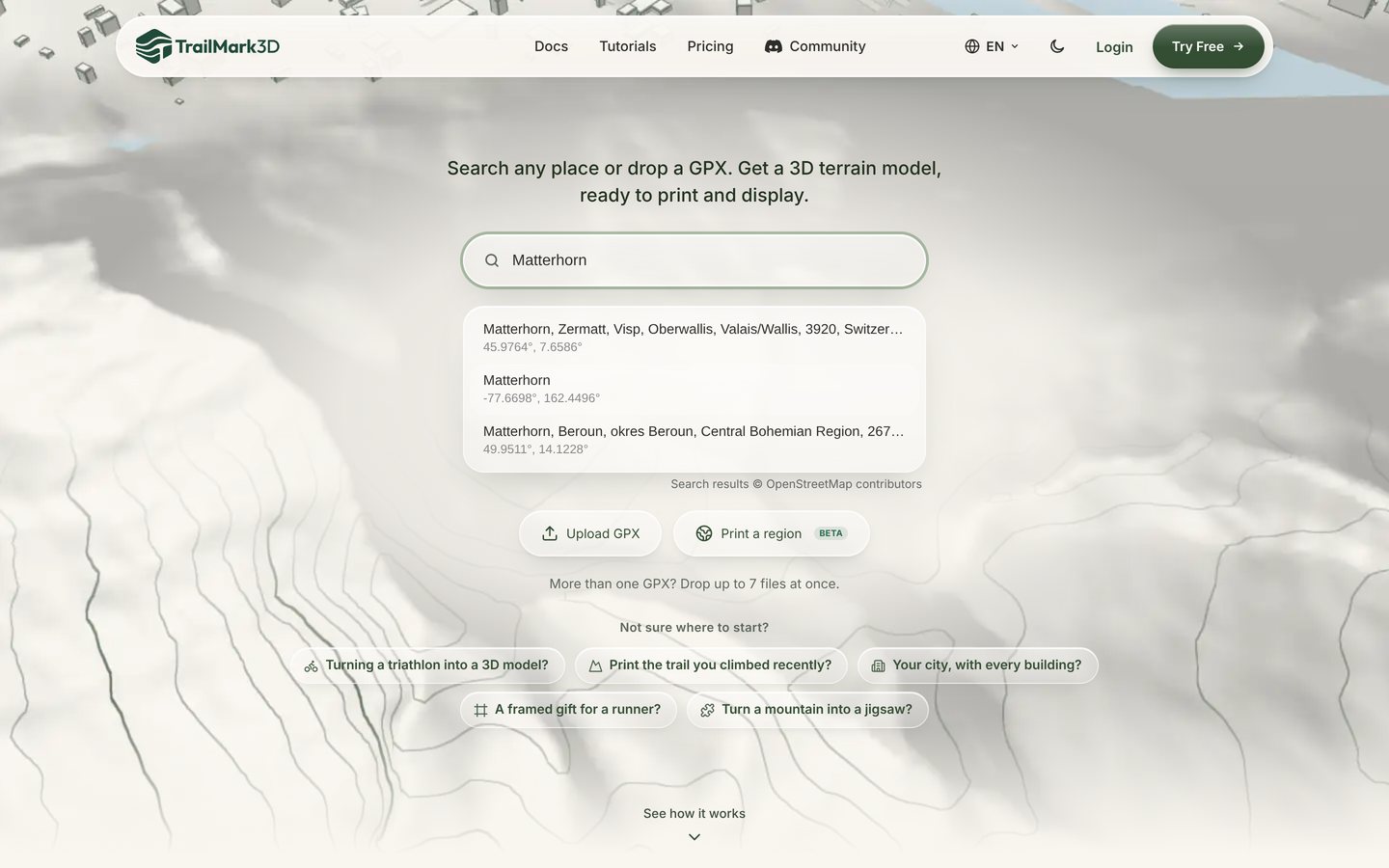
Pick a result and frame the area
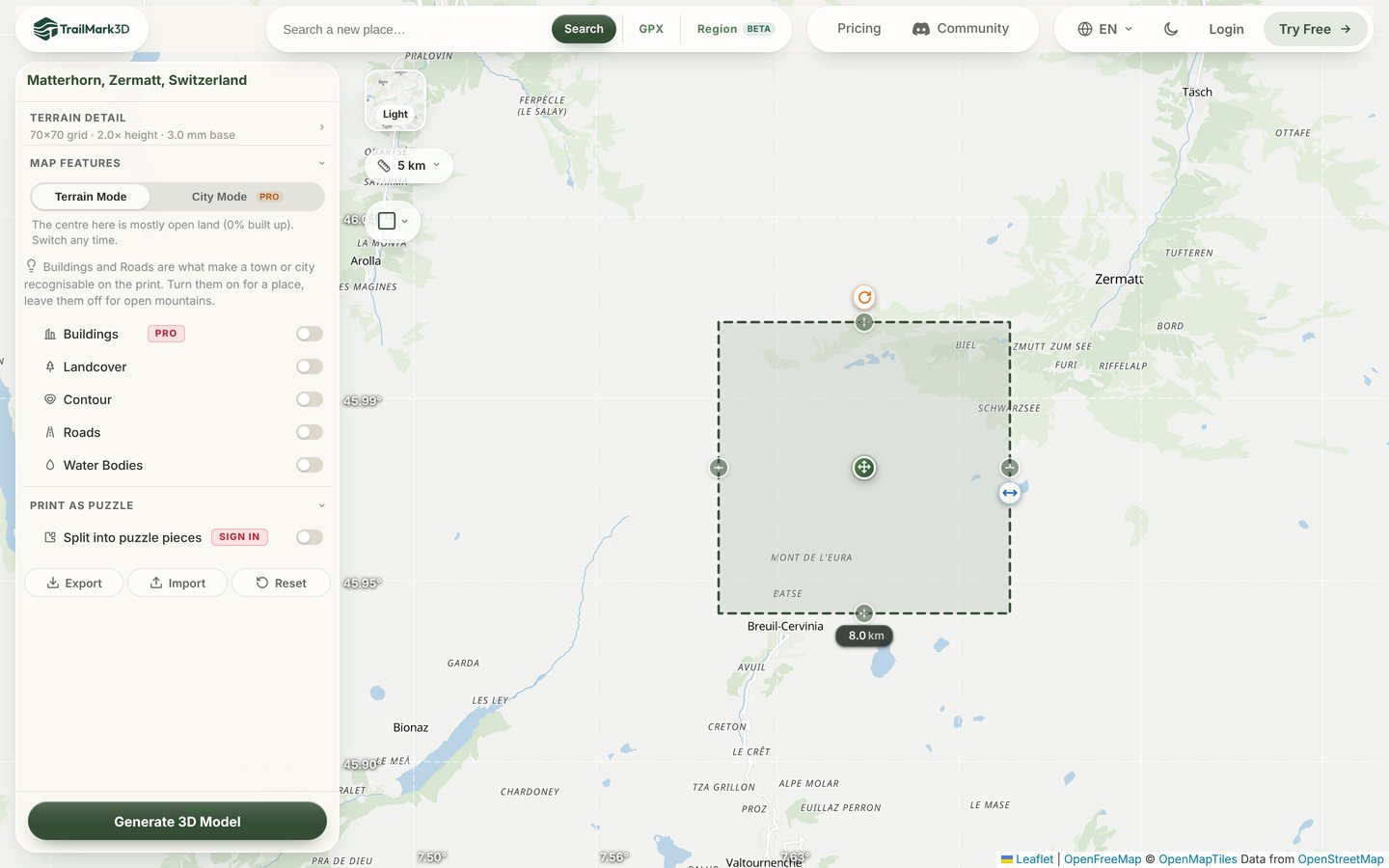
Click a suggestion. The workspace opens with the place on the map inside a dashed square, 20 km across, that marks what will become the model. Drag the center handle to move it, drag the side handle to resize it, or click the width under the square and type it in kilometers. The orange rotate handle turns the square, so a ridge or a valley can run along the print. Smaller areas give sharper detail: 8 km is about right for a single mountain, 20 to 50 km for a range or an island.
Choose the shape
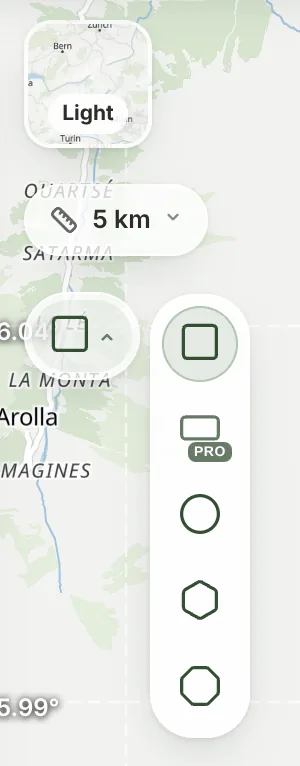
Click the shape button on the left of the map to pick square, circle, hexagon or octagon. With Pro you can also draw a free rectangle for a panorama. The layer button above it switches the map between the light map and satellite imagery, which helps you place the edge on a valley or a shore.
Add water, colors and relief
The settings on the left work the same as for a trail. Open Terrain Detail to set the print size (20 to 250 mm) and the Vertical Exaggeration: 1× to 1.5× for big mountains like this one, 3× or more for gentle hills and coasts. Under Map Features, switch on Water Bodies to carve the sea, lakes and rivers as their own color, Landcover to color forests and fields, or Contour for contour lines. In a town, switch to City Mode for buildings and streets; 3D print a city map shows how.
Open Terrain Detail · Open Map Features
Generate the 3D model
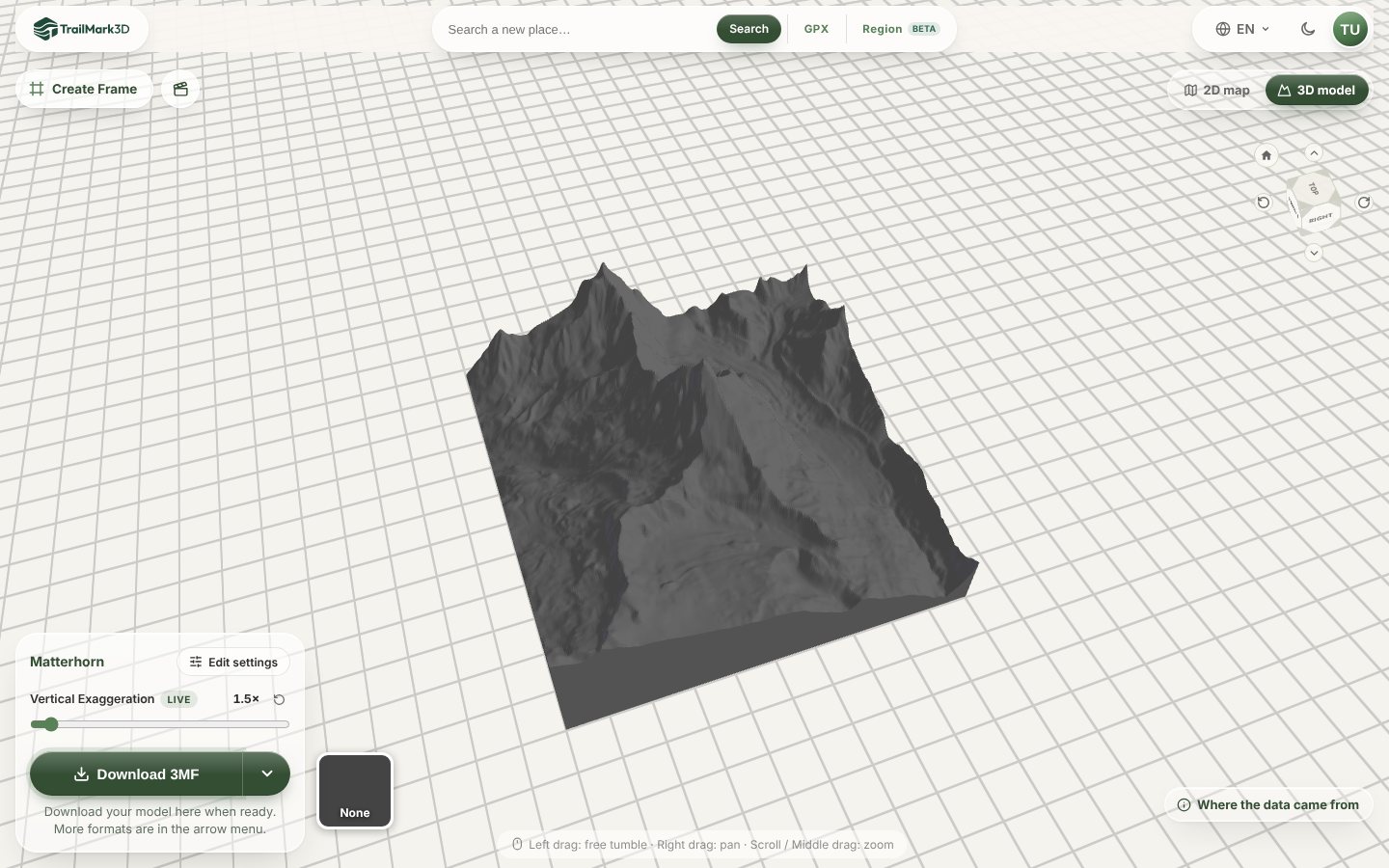
Click Generate 3D Model. A mountain area like this one builds in under a minute, and the model opens in the 3D viewer: drag to turn it, scroll to zoom, and try the live Vertical Exaggeration slider before you download.
Download the STL or 3MF
Click Download 3MF for a file that keeps each color as its own part, or open the arrow menu for STL files. Print it flat with no supports. STL vs 3MF explains which file to pick and the slicer settings that work for terrain.
Frequently asked questions
Is it free?
Yes. With a free account you get 5 models a day, areas up to 200 km across, Standard resolution (250 × 250), the square, circle, hexagon and octagon shapes, water, landcover and contours in up to 2 print colors, and STL and 3MF downloads for personal use. Without an account you can try it on areas up to 50 km across, at a coarser grid, but downloading needs a free account. Pro ($10 a month) adds areas up to 500 km, High resolution up to 625 × 625, the rectangle, buildings and roads, City Mode downloads, unlimited models and commercial use. See pricing.
Can I make a 3D map from coordinates?
Yes. Type the latitude and longitude in decimal degrees into the search box, latitude first, for example 45.9763, 7.6586 or -33.8568, 151.2153. Pick the Use coordinates suggestion and the area is centered on that point.
How big an area can I print?
Up to 50 km across without an account, 200 km with a free account and 500 km on Pro. A bigger area is fine for an island or a mountain range, but each millimeter of the print covers more ground, so small details flatten out. To print a whole country or state, use Regions, which split it into plates.
Where does the elevation data come from?
From open elevation data (Mapterhorn terrain tiles, built from Copernicus and national surveys, with the AWS Terrain Tiles as a fallback), about 30 m per point in most of the world and finer where a country publishes better data, plus OpenStreetMap and Overture Maps for water, landcover, roads and buildings. Where the data came from, at the bottom right of the 3D viewer, lists the sources and the attribution for each model.
Is this a terrain to STL generator?
Yes. TrailMark3D turns real terrain into an STL or 3MF directly in your browser, so you don't need GIS software, a DEM download or Blender. The model comes with a solid base, ready to slice.
Can I add my trail later?
Yes. Search the place now, and when you have a GPX, upload it on the home page instead: the trail is raised on the same kind of terrain model. GPX to 3D print walks through it.